The problem
Smaller marinas and harbours along the UK coast and inland waterways still manage visitor moorings the way they did thirty years ago: a phone line and a paper diary pinned up in the harbour office. It's slow for staff during a busy weekend, and a visiting boat owner has no way to check whether a berth is actually free until someone answers the phone.
What Citriverse built
A concept Vue and Nuxt application with two sides that share the same data:
- A public booking portal where a boat owner enters their boat's length and beam and sees which berths genuinely fit, for the nights they want, with the price shown up front rather than "call for a quote"
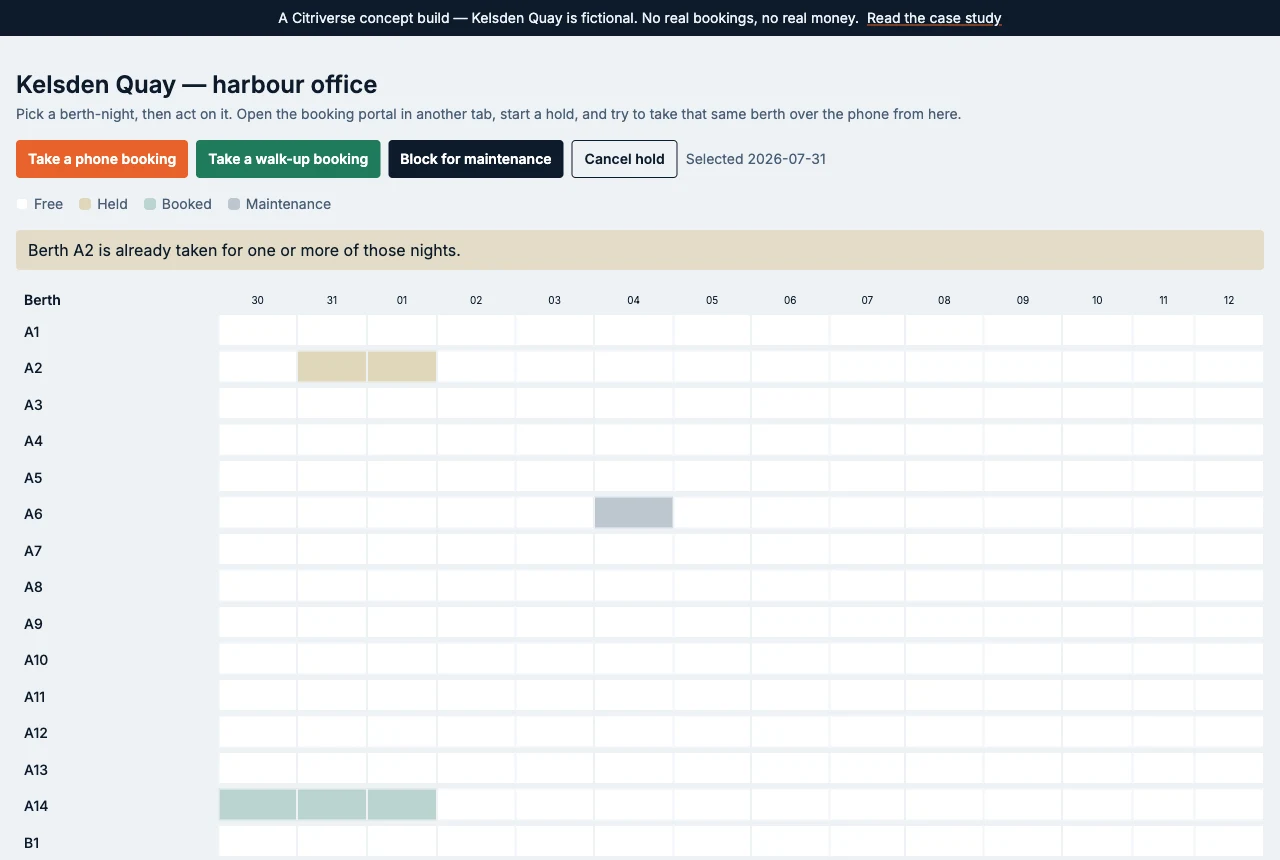
- A harbour office dashboard showing the full berth grid at a glance, letting staff block out maintenance slots and take walk-up bookings without double-booking a berth that's already held online
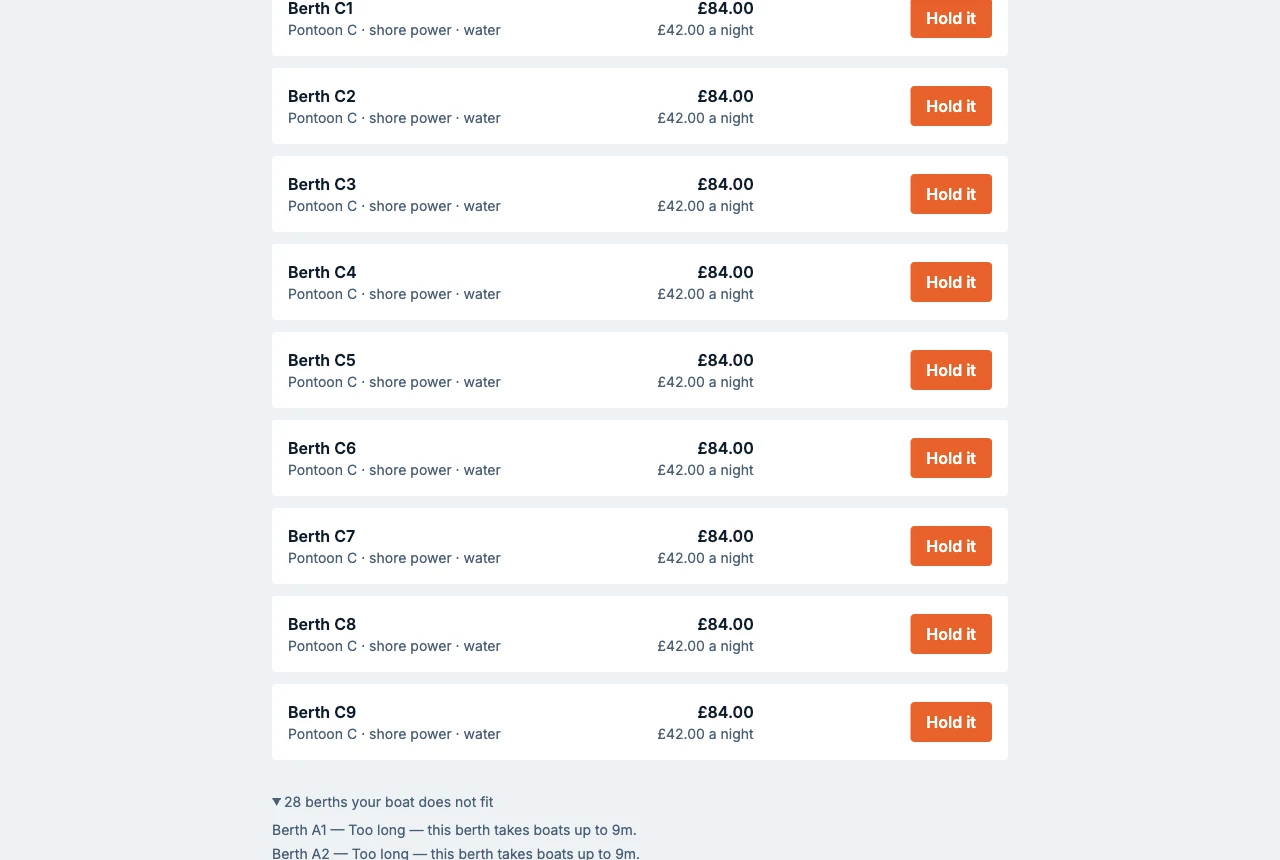
Behind the two views sits a single source of truth for berth state, so a hold taken over the phone and a hold taken online can never clash.
Technical depth
This is the kind of project the Build package exists for — a proper application, not a brochure site with a form bolted on:
- A typed API layer built on Nuxt server routes, with request validation on every booking endpoint rather than trusting client input
- A background job that releases expired holds automatically, so an abandoned booking doesn't sit blocking a berth indefinitely
- Rate limiting on the public booking form, to stop a scripted flood of bogus holds from locking out real customers
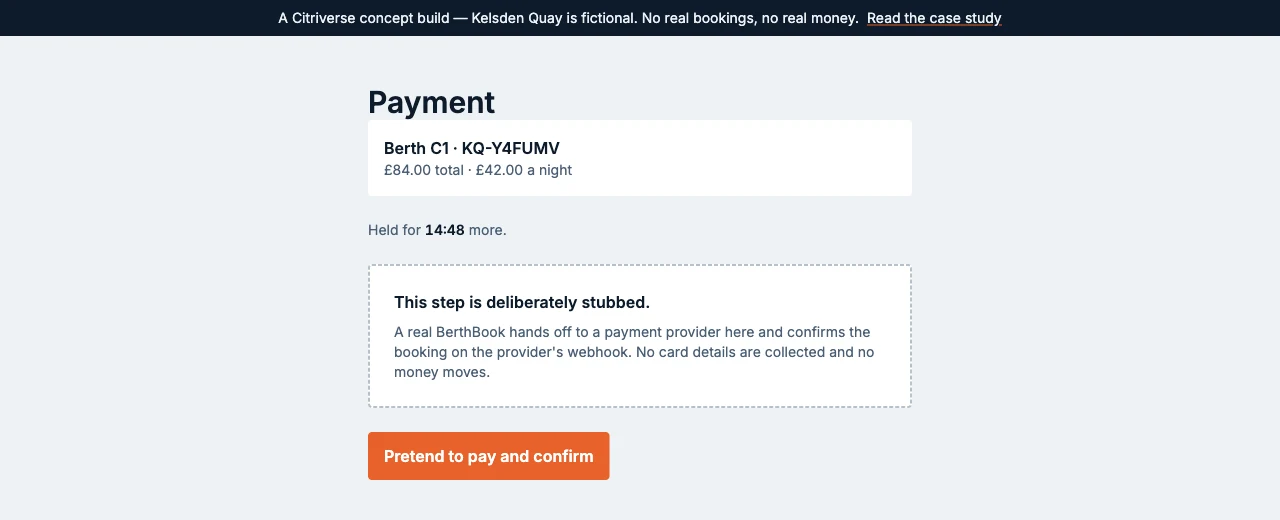
- A payment step designed to hand off to a real payment provider, stubbed here so the flow can be demonstrated without moving real money
- Hardened response headers, a strict content security policy, and a dependency-patching routine as standard — the baseline every Citriverse build starts from, not something bolted on at the end because a client asked for it
Design intent
The dashboard is built to load its full state in a single request and update the availability grid without a page reload, so a busy harbour office isn't waiting on spinners between bookings. Forms are built to be usable with a keyboard alone and to work at the small screen sizes staff actually use on a chandlery counter, not just on a designer's monitor.
Try it yourself
The demo is live, and every visitor gets a private copy of Kelsden Quay — so anything booked, blocked or broken in it belongs to that visitor alone, and the harbour is never left in a state the next person has to work around. Five things worth trying:
- Search with a long boat, say 15 metres, and watch the small berths drop out of the results with the reason each one will not take that hull
- Start a hold, then open the harbour office in a second tab and try to take that same berth over the phone — it is refused by name, and it is refused in either order
- Block a berth for maintenance from the office grid, then search those dates on the public side and find it gone
- Walk a booking through to the payment step and read what it says rather than clicking past it
- Leave a hold for fifteen minutes without paying, then look at the grid again — a scheduled job will have released the berth
The harbour office login arrives with its demo credentials already filled in, so getting into the staff side takes one button press. Nothing in the demo asks for an email address or a phone number, and no card details are collected anywhere.
About this case study
BerthBook is a concept product, not a live SaaS business, a paid client engagement, or a company that exists. Citriverse is a new studio and this case study is here to show how a custom Build-tier application gets approached — from data modelling through to a working interface — not to claim an existing customer base, real marinas using it, or bookings actually taken.